
Make a picture by describing it
This page is a chat that draws. Type what you have in mind — “a watercolor of a lighthouse at sunrise”, “a logo for my bakery” — and an image appears in the conversation a few seconds later. It isn’t pulled from a stock library or the web: it is made for you, from your words.
Because it is a conversation, you don’t have to get it right the first time. Ask for a warmer light, a different background or bigger lettering, and the same picture is reworked instead of starting from scratch. You can try it right now: the box is at the top of this page, and d'une free image a day come with no account at all.
Create or edit: two ways to start
Create something new. Describe it: logos, posters, birthday cards, wallpapers, illustrations for a blog post or a school project. Posters, flyers and cards are made as images, ready to share or print.
Edit a photo you have. Attach it with the + button and say what to change. Swap a cluttered background for a studio backdrop, remove a stranger from a vacation shot, try a new haircut, put on a suit for a LinkedIn picture, or bring color to an old family photo. What you don’t mention stays the way it was.
How it works, step by step
- 1Pick a card above, or type your own request in the box. For an edit, attach your photo first.
- 2Send it. The image is generated in a few seconds and shows up right in the chat; click it to see it full size.
- 3Not quite right? Reply with the change you want — “make the sky pink”, “remove the text” — and the same image is adjusted.
Photo-real or illustrated?
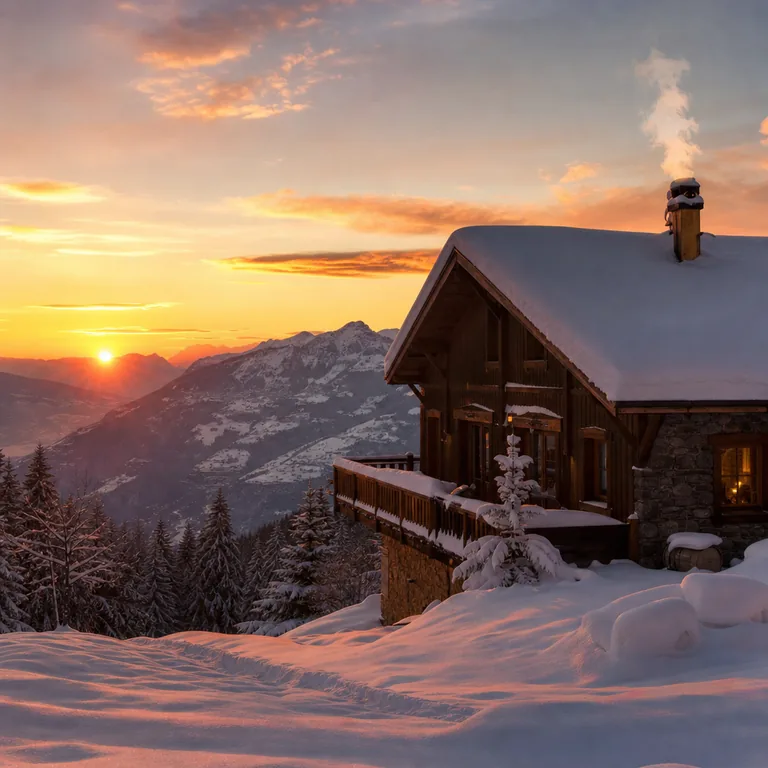
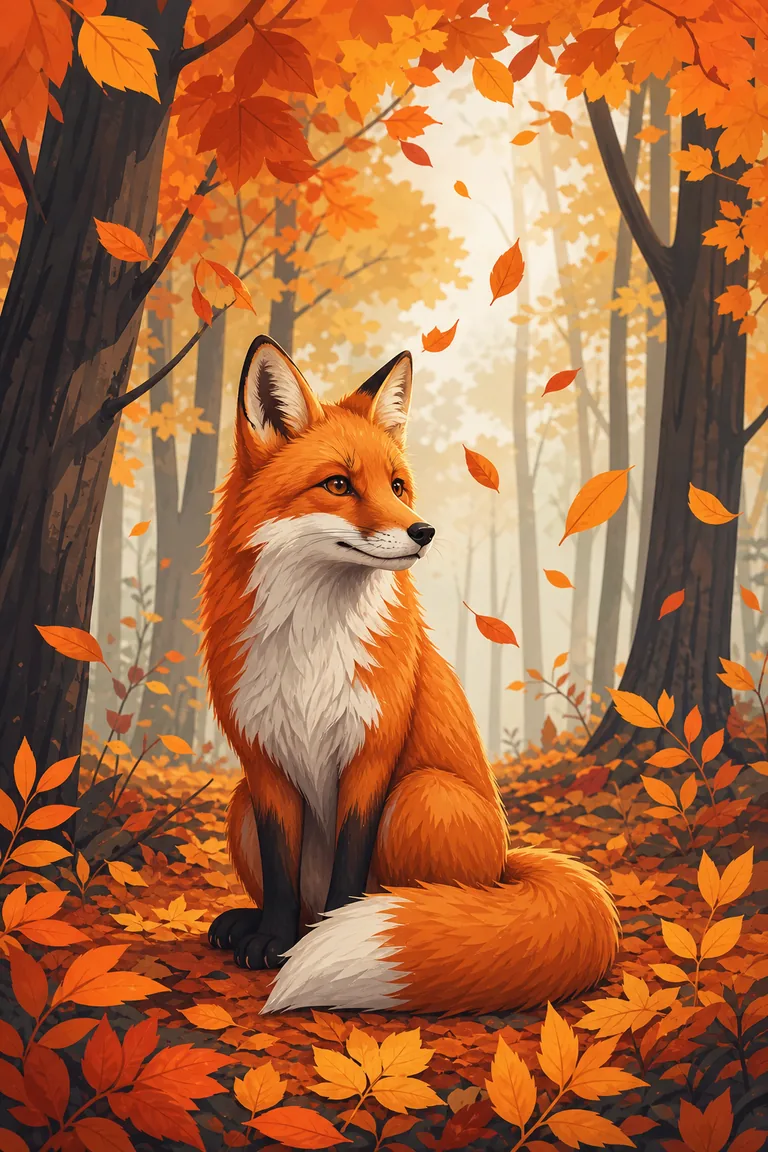
Name the look you want and the model follows it. Ask for a realistic photo to picture a product, a room makeover or a travel spot; ask for an illustration, watercolor, 3D render or anime style for something more playful. When you post a realistic image, it’s good practice to say it was made with AI.
Tips for better results
- Say what the subject is doing, not just what it is: “a dog catching a frisbee”
- Describe the setting: a beach at noon, a modern kitchen, a plain white background
- Mention the light — golden hour, neon, soft studio light — it sets the mood
- Give the framing: close-up, wide shot, seen from above
- Name two or three main colors if you have a brand to match
- For a logo, ask for a plain background and a centered design
- Say what you want to see rather than what you don’t
- Keep any text in the image short: a few words at most
Ideas to get you started
Click an idea to drop it into the box at the top, then tweak it before sending.
What to know before you start
No image model is flawless. Hands, long passages of text and small details can come out wrong, and a quick follow-up usually fixes them. Requests for pictures of real people, violent or misleading content are refused by the model’s safety rules.
The free allowance is d'une image and de dix messages per 24 hours, with no ads and no watermark. When you need more, Premium gives you up to 30 images a day.
Frequently asked questions
Is the AI image generator really free?
Yes. On this page, without an account, you get d'une free image per 24 hours, new or edited, with no credit card and no watermark; the next ones are shown blurred until you subscribe. Every image costs us real computing power, which is why there is a daily allowance; it refills on its own 24 hours later. A free account follows the same rule.
Do I need to sign up?
No. The generator works as soon as the page loads. Premium raises the limit to 30 images a day, renders them at a higher quality setting and keeps your chats on all your devices.
Can I edit a photo I already have?
Yes. Attach your photo, then say what to change: a new background, a different outfit, a person to remove, a sharper picture, colors for an old black-and-white shot. Everything you don't mention is kept as it is.
Which AI model makes the images?
GPT Image 2, OpenAI's image model. NowAskAI is an independent service and is not affiliated with OpenAI.
Can I use the images for my business?
You can use what you create for personal and professional projects: a website, social media, a slide deck, a flyer. Don't ask for images that copy a brand, a protected character or a real person; you remain responsible for how you use them.
Why doesn't the image match my description exactly?
The AI interprets your words. The more you say about the subject, setting, light, colors and framing, the closer the result. If something is off, just reply with the change you want instead of starting over.